Page Redirect

HTML


<meta http-equiv="refresh" content="0;url=http://google.com">


Javascript

<script language="javascript">
<!--
location.replace("http://google.com")
//-->
</script>

Asp / ASP.Net

<%
Request.Redirect("http://google.com")
%>

Php

<?php

   header( 'Location: http://google.com' ) ;

?>

Perl

(method 1)

#!/usr/bin/perl

use strict;
use warnings;

my $url = "http://google.com";
print "Location: $url\n\n";

(method 2)
#!/usr/bin/perl

print "Content-Type: text/html\n";
print "Location: http://google.com\n\n";

(method 3 - using CGI module)
#!/usr/bin/perl

use CGI;
my $cgi = new CGI;

print $cgi->header(-location => q[http://google.com]);
jQuery Datepicker

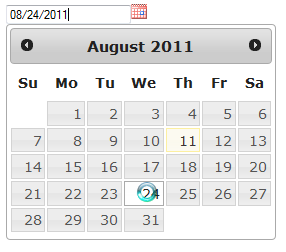
Nice and easy to configure and setup jQuery datepicker I use in my ASP.NET applications.

All needed files can be downloaded from here. Once you access this page, if you would like to download only “Datepicker” files, deselect all and then select only datepicker and then click download.

Full demo and other datepicker templates can be seen here.

jQuery Autocomplete ASP.NET

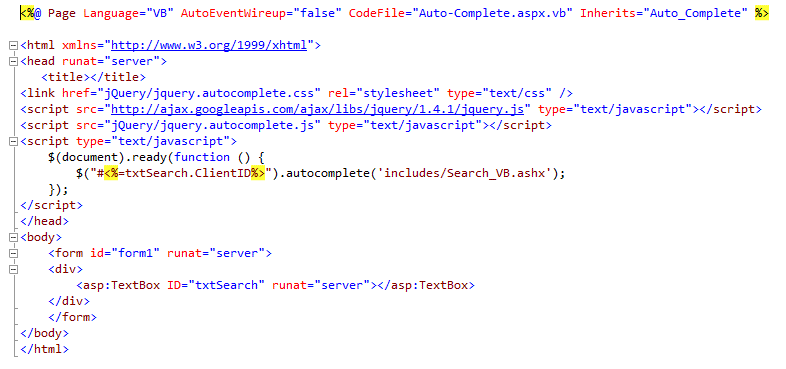
Simple and easy to setup “autocomplete” code for a search textbox in your ASP.NET application.

What do you need:

1. Generic handler (Search_VB.ashx)
– Download it from here as a text file and convert it to ashx.

2. Stylesheet (jquery.autocomplete.css)
– Download it from here as a text file and convert it to css.

3. jQuery script files
– Autocomplete – download it from here as a text file and change file type from txt to js.
– jQuery script 1.4.1 – you can link it to here:http://ajax.googleapis.com/ajax/libs/jquery/1.4.1/jquery.js or download it from here http://ajax.googleapis.com/ajax/libs/jquery/1.4.1/jquery.js

Autocomplete-Demo.aspx
– Download demo file from here as a text file and convert it to apsx.

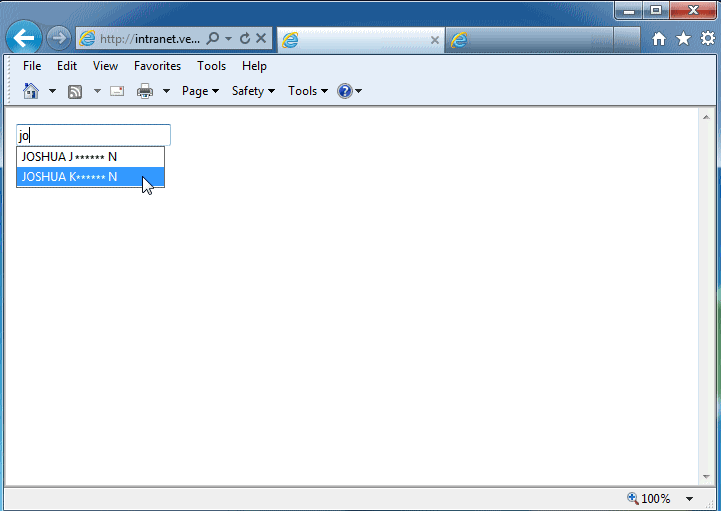
Demo screenshot